
If you’re ready to start implementing the APIs or just want to review some examples, here’s where to find our detailed technical documentation:
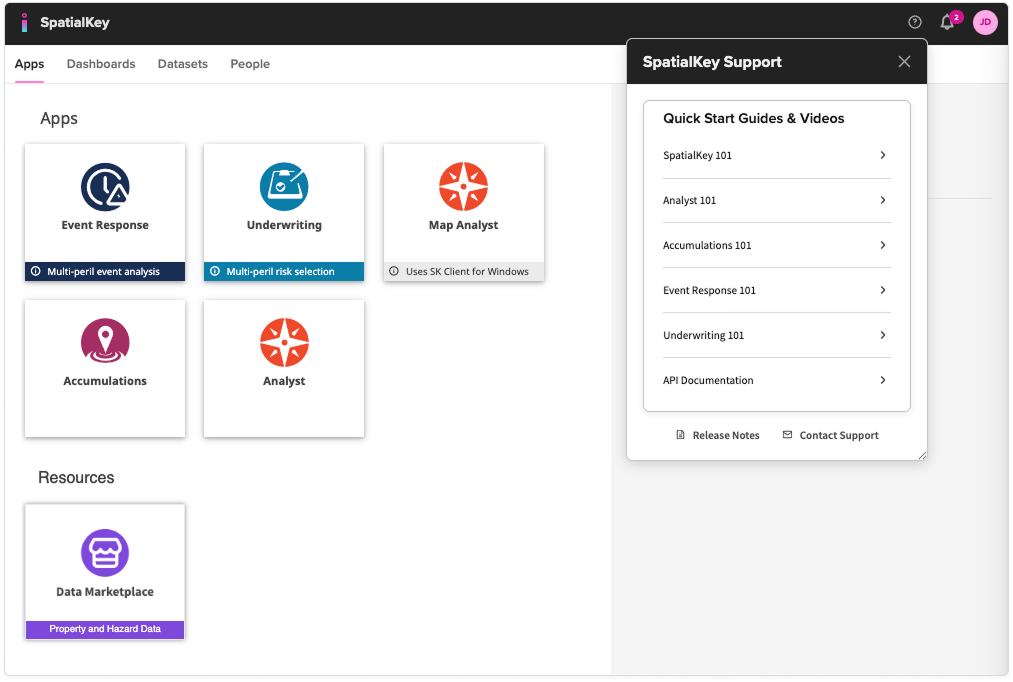
- Log in to your SpatialKey site.
- Click on the “?” icon in the header and select “API Documentation. If you don’t see this option, reach out to your account manager directly or email our support team to have the API documentation enabled for your account.
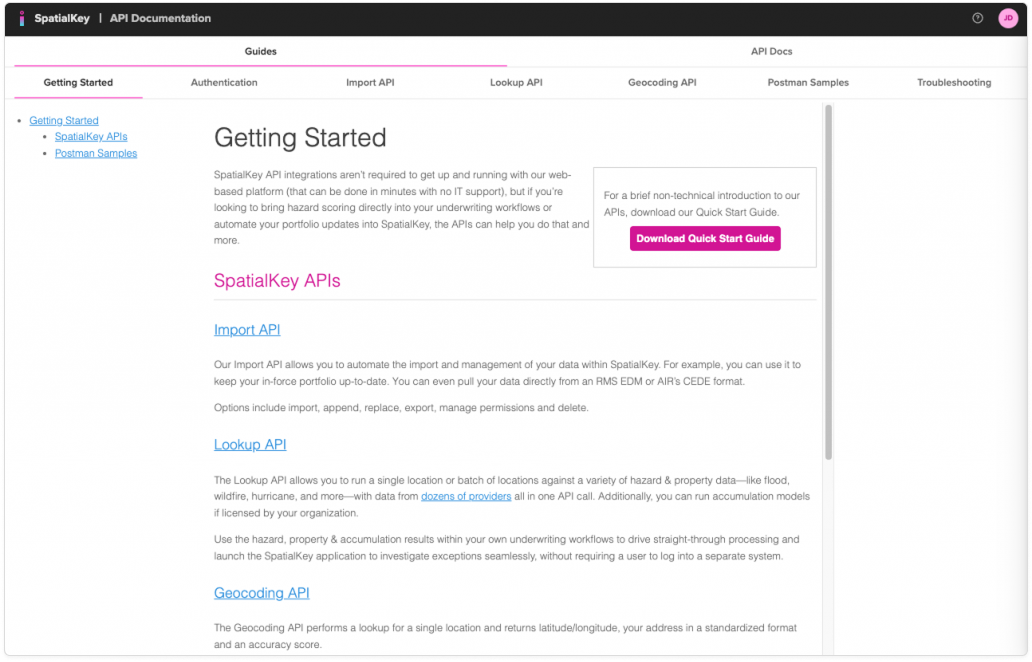
- There you will find detailed API documentation and Postman samples.
Was this helpful?
Thanks for your feedback!