
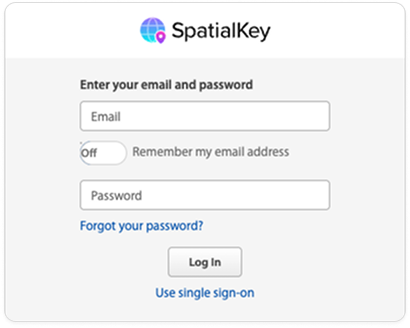
Click the “Forgot your password?” link at the bottom of the login screen.
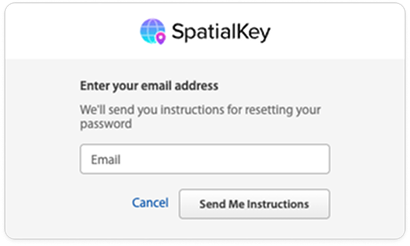
Enter your email address and click the “send me instructions” button.
You will receive an email containing a link for resetting your password. Click the link and enter your new password.
Passwords must be at least 14 characters long and have at least 3 of the following: 1 lowercase letter, 1 uppercase letter, 1 number, 1 special character.
Was this helpful?
Thanks for your feedback!